PC System Requirements & Performance Guide
STAR WARS Zero Company™ is a visually rich single-player turn-based tactics game built on DirectX 12, featuring detailed isometric battlefields with destructible cover, environmental effects, and cinematic story sequences. This guide covers the official PC system requirements straight from the Steam listing and offers practical advice for optimizing performance across a range of hardware configurations.
Minimum System Requirements
The minimum specification targets 1080p resolution at 30 FPS on the Low graphics preset. You will need a 64-bit copy of Windows 10 or Windows 11 (Windows 11 is recommended by the developer), an Intel Core i5-8400 or AMD Ryzen 5 2600X processor, 16 GB of RAM, and 50 GB of available storage space. On the GPU side, Bit Reactor lists the Nvidia GeForce GTX 1080, AMD Radeon RX 5600 XT, or Intel ARC B580 as the baseline, with DirectX 12 support required.
These minimum specs are notably higher than what many turn-based strategy games demand, which reflects the detailed environments, destructible terrain physics, and cinematic cutscene rendering that Zero Company employs. Players running hardware at or near the minimum threshold should expect a playable but visually stripped-back experience, and closing background applications before launching the game is strongly recommended to free up as much of that 16 GB RAM floor as possible.
Recommended System Requirements
For the intended experience at 1440p resolution and 60 FPS on the High graphics preset, the recommended specs call for an Intel Core i7-10700K or AMD Ryzen 7 3700X, 32 GB of RAM, and either an Nvidia GeForce RTX 3080 or AMD Radeon RX 7800 XT. The operating system, DirectX version, and storage requirement remain the same as the minimum tier. The jump from 16 GB to 32 GB of RAM is significant and suggests the game makes heavy use of memory for texture streaming, battlefield state tracking, and pre-loading cinematic sequences.
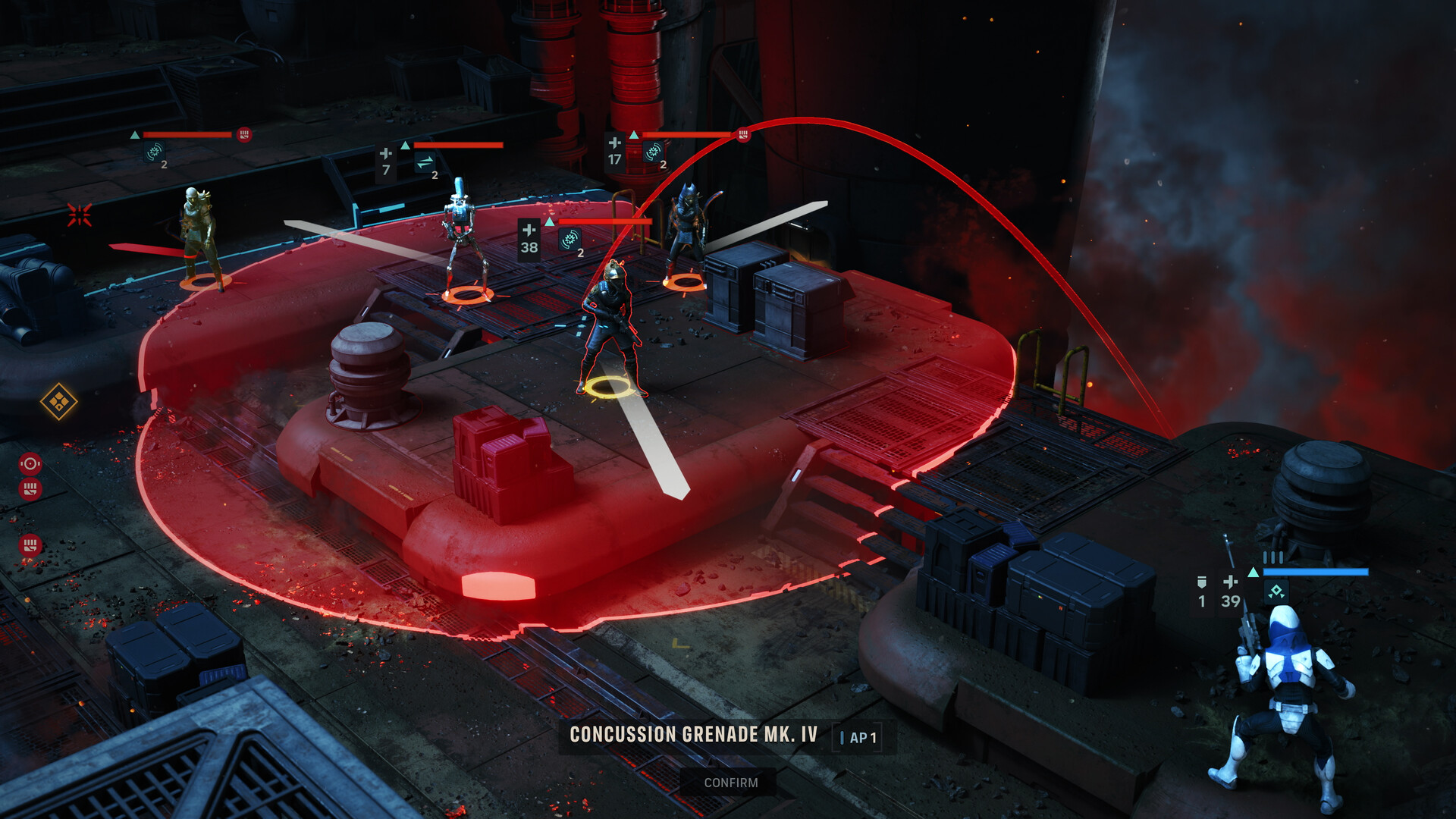
Meeting the recommended specification ensures smooth performance during the most visually demanding moments in the game, such as large-scale tactical missions with multiple squads, destructible cover being blown apart, and Advantage abilities like Rocket Strike that trigger elaborate particle and explosion effects across the battlefield.
Platform Availability and API Notes
STAR WARS Zero Company is currently available on PC (via Steam and the EA app), PlayStation 5, and Xbox Series X|S. On PC, the game runs exclusively on Windows with DirectX 12 — there is no macOS or Linux version listed on Steam. The DX12 requirement means older graphics cards that only support DirectX 11 will not be able to run the game, even if they otherwise meet the raw performance thresholds.
The game supports full audio in English and German, with subtitle and interface localization available in French, Italian, Spanish (Spain), Japanese, Korean, Polish, Simplified Chinese, Traditional Chinese, and Brazilian Portuguese. Language packs are included in the base installation and do not require additional downloads, so the 50 GB storage footprint accounts for all supported languages.
An internet connection and an EA Account are required alongside your Steam Account to play. EA's User Agreement must be accepted, and your EA and Steam Accounts must be linked before launching the game. Keep this in mind when planning an offline installation, as the initial setup does require connectivity.
Performance Optimization Tips
If your hardware sits between the minimum and recommended tiers, start by setting the graphics preset to Medium at 1080p and adjust from there. The most impactful settings to lower first are typically shadow quality and particle effects, since Zero Company's tactical combat features frequent explosions from abilities like Sweeping Salvo and Rocket Strike, as well as destructible cover that generates debris. Reducing these can yield noticeable frame rate improvements without drastically changing the look of the isometric battlefield.
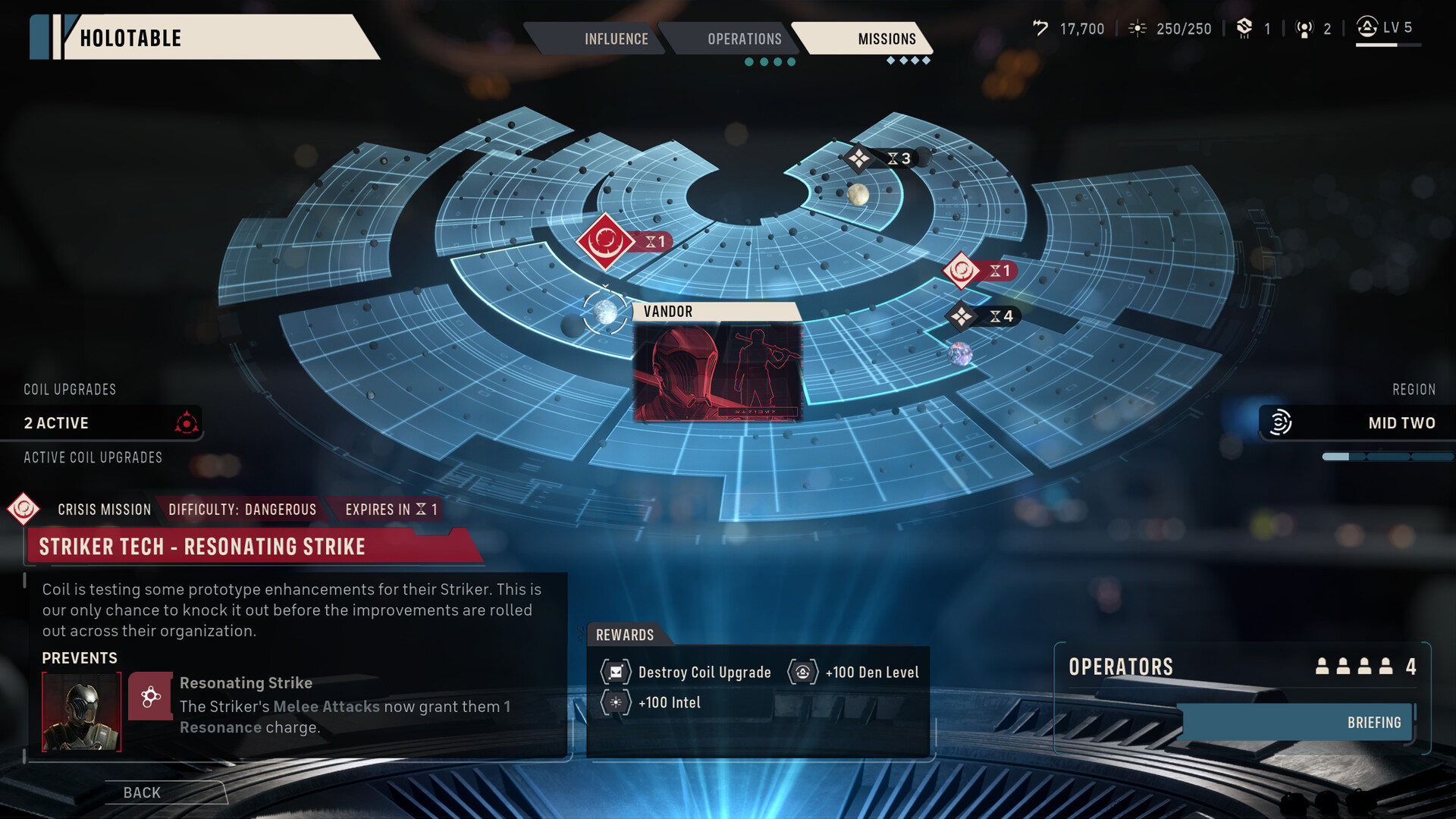
Given the 32 GB RAM recommendation, players with only 16 GB should avoid running memory-intensive applications alongside the game. Virtual memory (page file) should be left on automatic or set to a generous size on an SSD to prevent hitching during level transitions and cutscene loads. If you are using an HDD rather than an SSD for the 50 GB install, expect longer load times between the Den (your base of operations) and tactical missions.
For players with Nvidia RTX cards, enabling DLSS (if supported in the game's settings menu) can provide a substantial performance uplift at higher resolutions without a major visual quality penalty. AMD users should look for FSR options. Both upscaling technologies are especially useful for pushing toward 4K resolution on hardware that meets the recommended but not an ultra-tier specification.
Storage and Installation Considerations
The game requires 50 GB of available storage space regardless of whether you are running minimum or recommended hardware. Installing on a solid-state drive (SSD) is strongly advised, as the game transitions between the Den hub — where you manage your squad, build operator bonds, and plan operations — and tactical mission maps that feature complex terrain with multiple elevation levels, destructible objects, and environmental hazards.
Post-launch patches and content updates will download automatically through Steam and may increase the total installation size over time. Keep a buffer of additional storage space beyond the base 50 GB requirement to accommodate updates without running into disk space issues mid-download. Players using the Deluxe Edition, which includes additional cosmetic packs such as the Grand Army of the Republic and Shadow Collective sets along with five weapon themes, should note that these cosmetic assets are bundled within the same installation footprint.